Table of Contents
Are you missing out on customers?
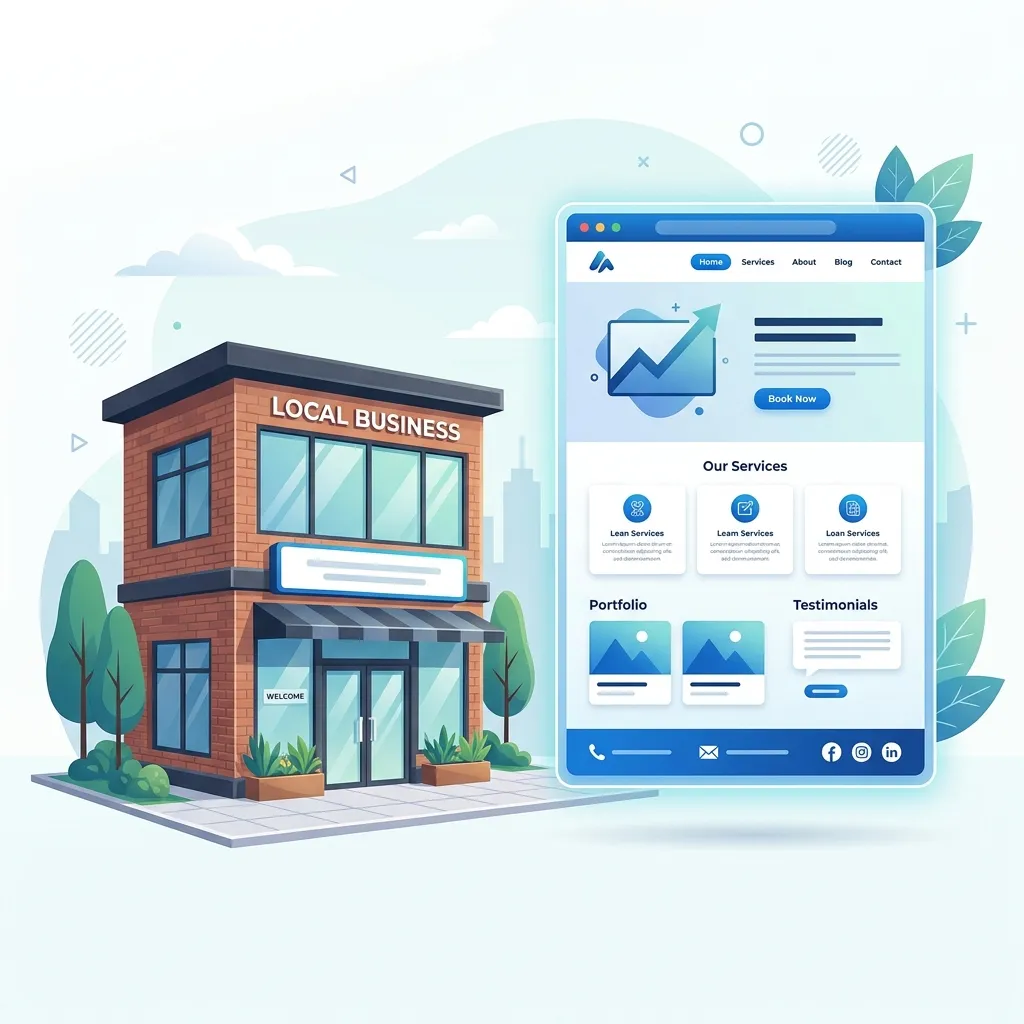
Building a website for your local business can feel completely overwhelming. With so many platforms (WordPress, Wix, Squarespace), endless templates, and "gurus" offering conflicting advice, it's incredibly easy to lose sight of what actually matters. A local business website has one primary job: converting local visitors into paying customers.
It doesn't matter how beautiful your logo is or how flashy your animations are if a customer can't figure out how to call you or what exactly you sell. Many business owners spend thousands of dollars on websites that look like modern art but fail entirely as business tools.
If you are planning to launch a new website or redesign your current one, follow this comprehensive checklist. If you check every box on this list, your website will be in the top 10% of local business websites automatically.
1. Mobile-First Design (Not Just "Mobile-Friendly")
The vast majority of local searches—"plumber near me," "best coffee shop," "emergency vet"—happen on mobile phones, often while the customer is on the go or dealing with an immediate problem. If your website is hard to read on a phone, or if the buttons are too small to tap with a thumb, users will leave instantly and go to your competitor.
Historically, designers built websites for large desktop monitors and then "shrunk" them down to fit phones. Today, professional web design must be mobile-first. The mobile experience is the primary experience.
Checklist Item: Load your website on your own smartphone right now. Do you have to zoom in to read the text? Do you have to scroll side-to-side? Is the phone number clickable? If you answered yes to the first two, or no to the last one, your site needs an immediate overhaul.
2. A Clear, Unmissable Call to Action (CTA)
Don't make visitors guess what they should do next. Tell them exactly what the next step is. This is known as a Call to Action.
Whether you want them to "Call Now," "Book an Appointment," or "Request a Free Quote," this primary action should be a brightly colored button that stands out sharply from the rest of the page. It should be highly visible "above the fold" (the area of the screen visible before the user has to scroll down).
Furthermore, this CTA button should be repeated strategically throughout the page. After you explain your services, give them the button. After you show them your reviews, give them the button. Make saying "yes" frictionless.
3. Easy-to-Find Services and Pricing Structures
When someone visits your website, they have a specific problem they need solved (a broken roof, a dirty house, a hungry stomach). They want to know two things immediately:
- Can you fix my specific problem?
- How much is it going to cost?
Do not bury your services in a massive, unreadable block of text. Use bullet points or a clean grid. And regarding pricing—you don't necessarily need to list exact down-to-the-penny prices if your work is custom. However, providing a "starting at..." price or a pricing package guide sets expectations and filters out bad leads who cannot afford your services. It saves both you and the customer valuable time.
Want to check off all these boxes without the headache?
We build websites that perfectly hit every item on this checklist, specifically tailored for local business owners. Stop worrying about the tech and focus on your business.
Request a Free Website Preview4. Powerful Trust Signals
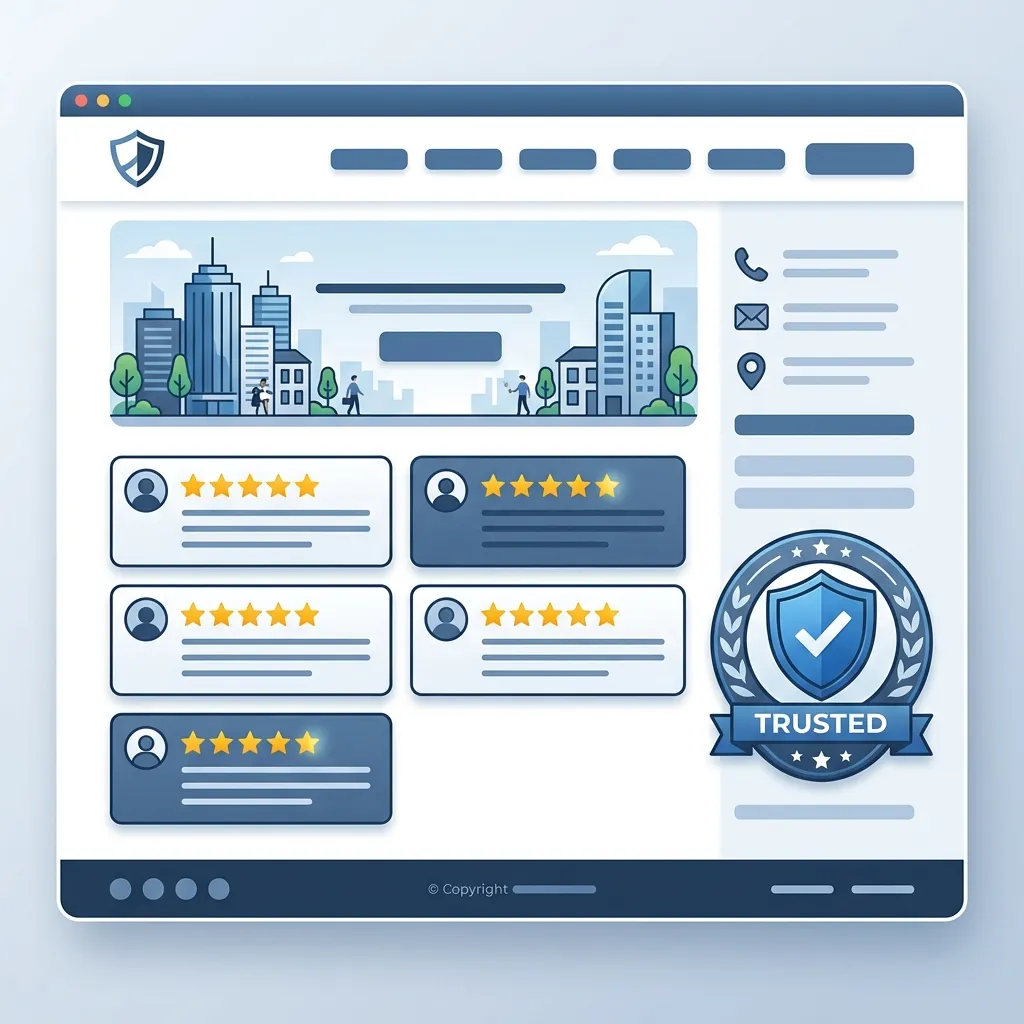
Trust signals are elements that prove you are a legitimate, reliable, and active business. Consumers are skeptical by nature. You must prove you are the real deal.
- Authentic Photography: Stop using generic stock photos of people shaking hands. Use real pictures of your team, your branded vehicles, your storefront, or your completed projects. Customers want to see exactly who they are hiring.
- Verifiable Reviews: Don't just type out "Great job! - John." Embed real Google reviews or Yelp ratings directly on your homepage. Link to your Google Business Profile so users know the reviews are legitimate.
- Credentials and Guarantees: Are you fully licensed and insured? Are you a member of the Better Business Bureau? Do you offer a 100% satisfaction guarantee? Put these badges front and center.
For a deeper dive into this specific topic, see our guide on making your local business website look trustworthy.
5. Foundational Local SEO Basics
Having a beautiful website is completely useless if no one in your city can find it on Google. While Search Engine Optimization (SEO) can be a deep rabbit hole, your website must have the absolute basics dialed in from day one.
- Consistent NAP: Your Name, Address, and Phone Number (NAP) must be clearly visible, ideally in the global footer of your website so it appears on every single page.
- Optimized Title Tags: Your page titles (the text that shows up in the Google search tab) should include your city and your primary service (e.g., "Dallas Emergency Plumber | Joe's Plumbing"). Don't just use "Home".
- Site Speed: Your website must load fast. Slow websites are penalized heavily by Google and abandoned quickly by users.
- Service Pages: Have a dedicated page for each core service you offer, rather than cramming them all onto one page.
6. Multiple Ways to Contact You
Different customers prefer different communication methods. Some want to call immediately. Others are at work and prefer to fill out a discreet contact form or send an email. Some prefer texting or WhatsApp.
Provide multiple avenues for contact. Ensure your phone number is a clickable link for mobile users (`tel:` links), and ensure your contact forms are short. Asking for 15 fields of information on an initial contact form will drastically reduce your conversion rate. Ask for Name, Phone, Email, and a brief description of the problem.
Frequently Asked Questions
Q: Can I just use my Facebook page instead of a website?
A: No. A Facebook page is a great marketing tool, but you don't own it. A website is a foundational asset that gives you complete control over your brand, your data, and your professional image. Read more about why local businesses need a website.
Q: How long should my website take to load?
A: Under 3 seconds. Any longer, and you start losing a significant percentage of visitors before they even see your logo.
Conclusion: Focus on the Fundamentals
A great local business website doesn't need to be overly complex, but it absolutely must execute the fundamentals flawlessly. If your website is lightning-fast on mobile, clearly explains what you do and how much it costs, showcases real trust signals, and makes it incredibly easy to contact you, your business will grow.
At Crest Pages, we ensure that every custom website we build has these foundational technical and design elements baked in from the very beginning. If you're ready for a website that actually works as hard as you do, reach out today.